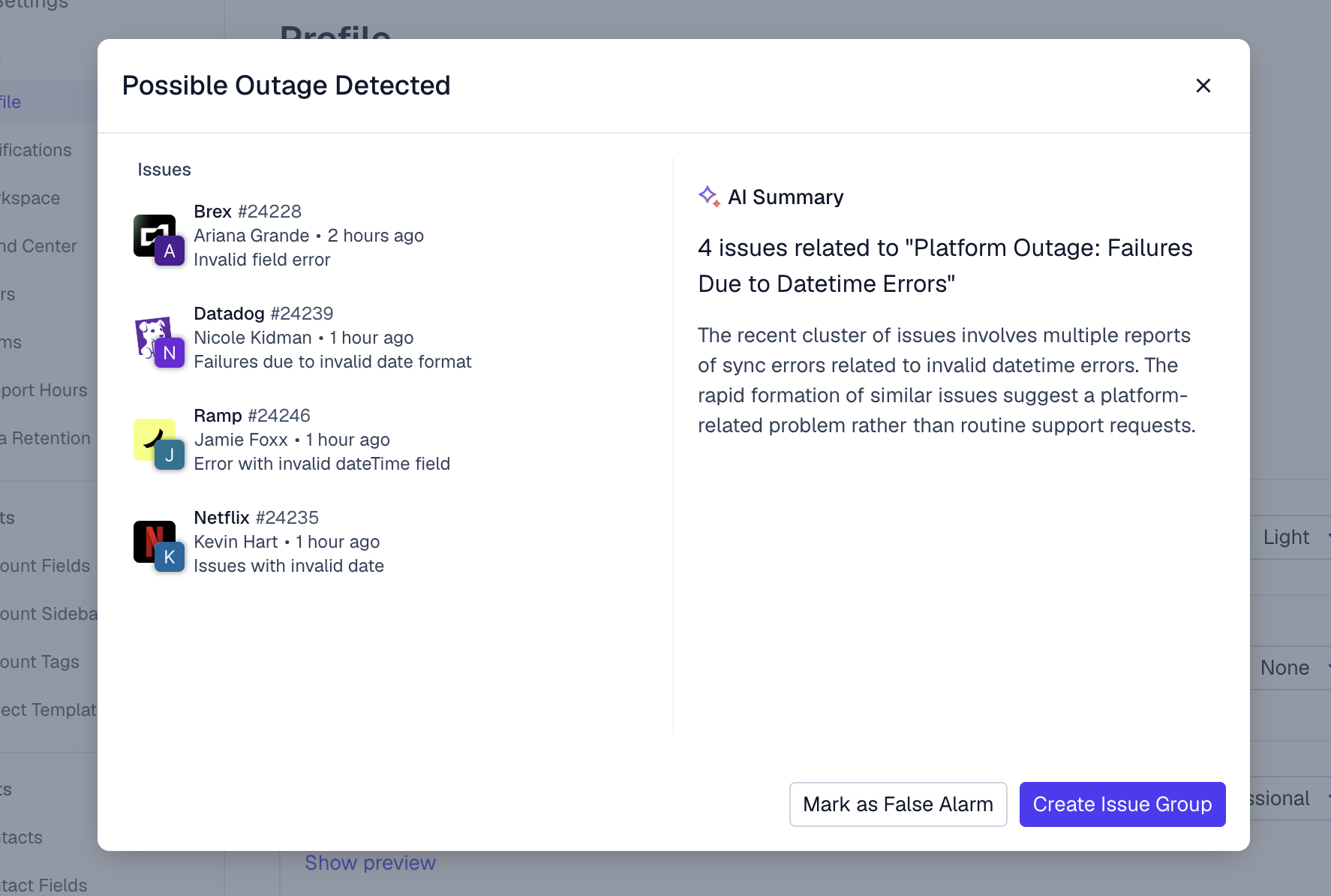
# Anomaly Detection
{% hint style="info" %}
Use Anomaly Detection to find outages and major problems in real-time.
{% endhint %}
Based on your incoming customer issues, Pylon automatically detects anomalies and surfaces groups of related issues for your review.
Available actions when an anomaly is detected:
* **Create an Issue Group**\
Take advantage of [issue-groups](https://docs.usepylon.com/pylon-docs/support-workflows/issues/issue-groups "mention") to organize and manage all issues related to this anomaly.
* **Mark as False Alarm**\
Flag the anomaly as a false alarm to help Pylon improve future detection accuracy.
* **Dismiss for All**\
If no further action is needed, you can dismiss the anomaly banner for everyone on your team.